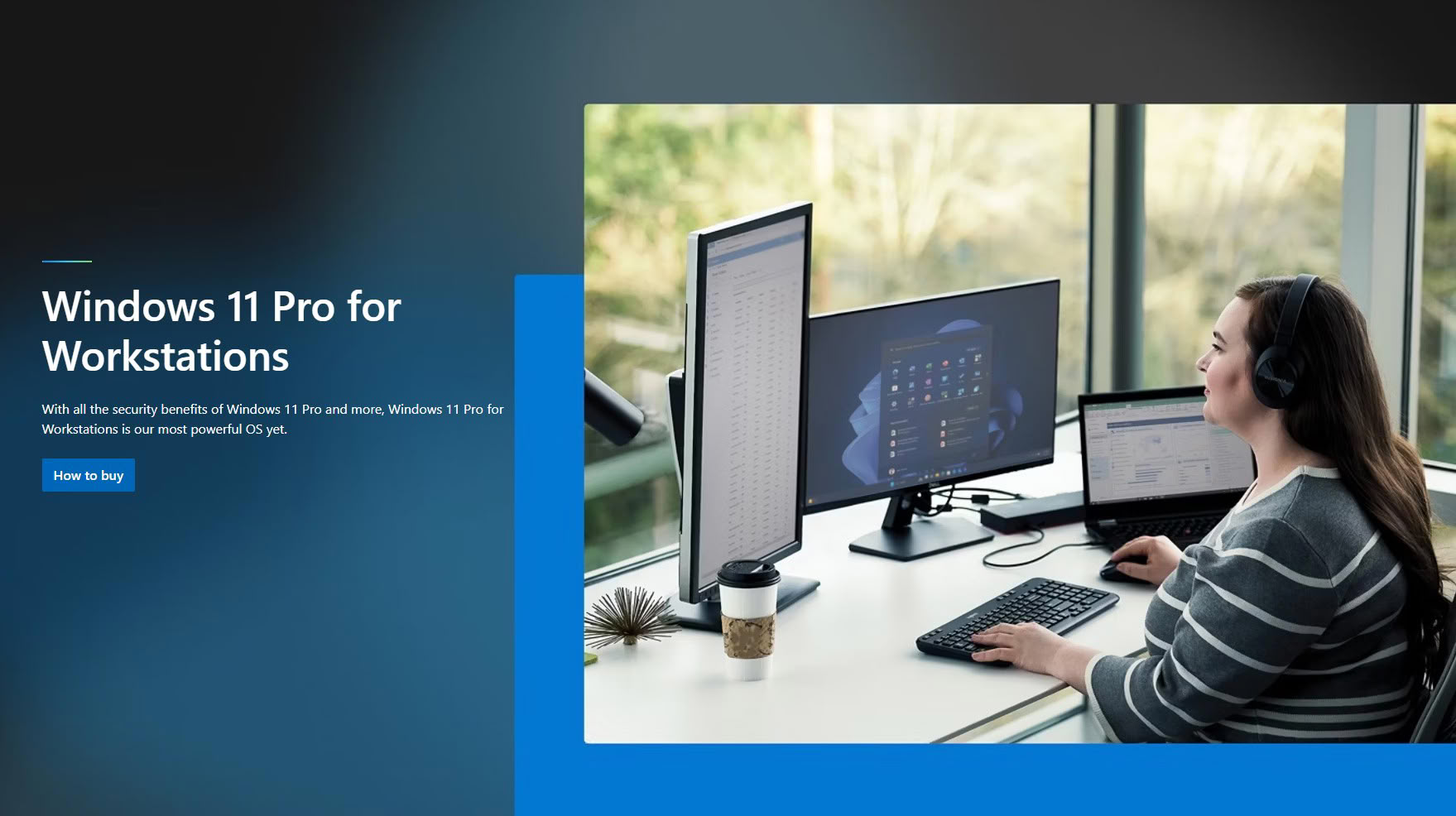
Windows 11 Pro for Workstations: The Ultimate Edition for Power Users
While most PC enthusiasts and gamers are familiar with Windows 11 Home and Windows 11 Pro, there is a lesser-known edition designed specifically for high-performance computing: Windows 11 Pro for Workstations. Positioned between Windows 11 Pro and Windows Server, this edition is tailored for advanced users who require robust hardware support and enterprise-grade features. Introduced as the successor to Windows 10 Pro for Workstations in 2021, it is sometimes referred to as the "Windows 11 Pro Max" due to its enhanced capabilities.
Streamlined Experience and Reduced Bloatware
One of the standout features of Windows 11 Pro for Workstations is its streamlined user experience. Unlike consumer editions, it comes with minimal pre-installed software and avoids the typical "consumer bloat" such as sponsored shortcuts to games or streaming services in the Start menu. This clean environment is ideal for professionals who value efficiency and focus.
Advanced File System and Hardware Support
Windows 11 Pro for Workstations introduces several features not available in Windows 11 Pro. Notably, it supports the Resilient File System (ReFS), a modern file system designed to provide enhanced data integrity and fault tolerance, making it suitable for demanding storage environments.
In terms of hardware, this edition supports up to four CPU sockets, compared to the two-socket limit in Windows 11 Pro. While most users may not require this level of scalability, it is invaluable for specialized workstations running multi-processor configurations. Additionally, the maximum supported memory is increased to 6 TB, up from 2 TB in Windows 11 Pro, catering to memory-intensive workloads such as scientific simulations, large-scale data analysis, and professional content creation.
Enhanced Networking and Persistent Memory Support
Networking capabilities are also elevated with SMB Direct client support and Remote Direct Memory Access (RDMA). These features enable high-speed, low-latency data transfers, which are particularly beneficial for clustered AI inferencing setups and other advanced networking scenarios. In contrast, Windows 11 Pro is limited to standard TCP/IP networking.
Another key differentiator is support for NVDIMM-N, or persistent memory. This technology allows for faster software compilation, efficient simulation checkpointing, persistent render caches, and low-latency transaction logging in databases. These enhancements make Windows 11 Pro for Workstations a compelling choice for professionals in fields such as engineering, scientific research, and media production.
NVMe SSD Driver Differences
Interestingly, Windows 11 Pro for Workstations does not include the native NVMe SSD driver found in Windows Server. Earlier in the year, this driver briefly appeared in consumer versions of Windows 11 before being removed in a subsequent update. Enthusiasts noted that the native driver could boost random access performance on NVMe SSDs by up to 80%, thanks to improved architecture-level integration. Currently, consumer editions of Windows 11 rely on an NVMe to SCSI translation layer to maintain compatibility with legacy software.
Availability and Licensing
Windows 11 Pro for Workstations is not available for direct purchase by end-users. Instead, it is distributed exclusively through OEM channels and comes preinstalled on high-end workstations from major manufacturers such as Lenovo, HPE, and Dell. It is also offered through the Windows for Business channel, allowing large organizations to deploy this edition on custom commercial desktops and laptops.
For professionals and enterprises seeking maximum performance, reliability, and advanced hardware support, Windows 11 Pro for Workstations stands out as the premier choice within the Windows 11 ecosystem.